Sysadmin ticket management
Sysadmin ticket management
Updated March 24, 2026
Overview
Sysadmins can manage support tickets from the Tickets page within Remmy. From this page, sysadmins can view tickets, create new tickets, and update tickets - all without leaving Remmy.
Accessing tickets
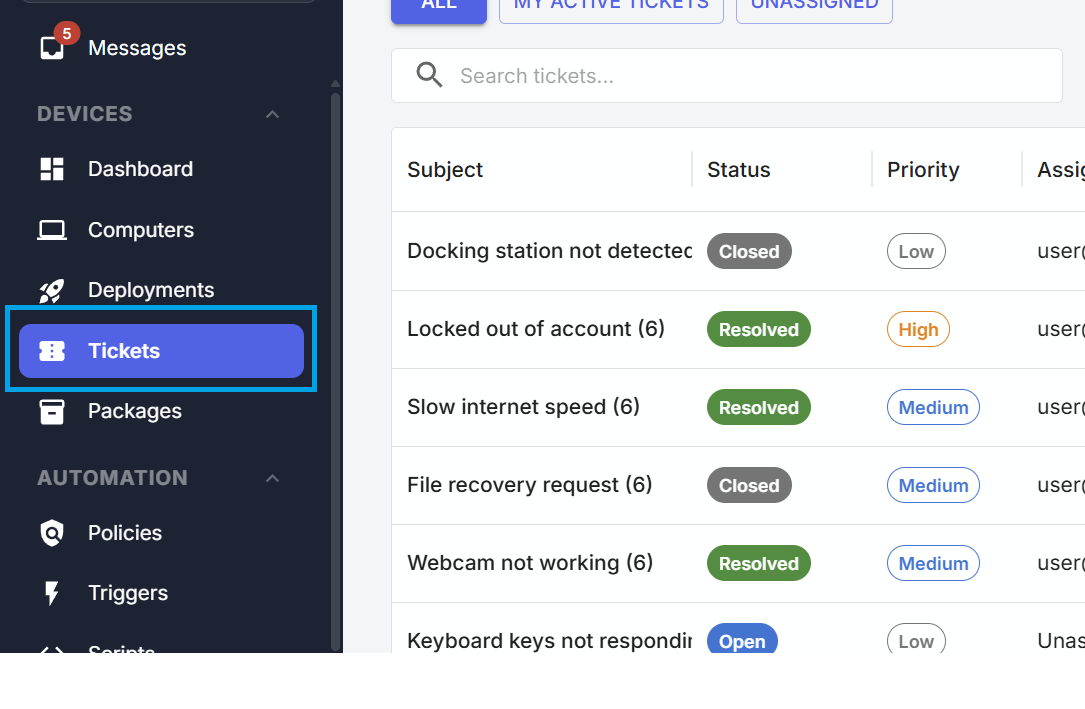
Users can access the Tickets page by clicking the Tickets sidebar navigation item. Only users who have the object permission for tickets can see and use the Tickets object.
Ticket list
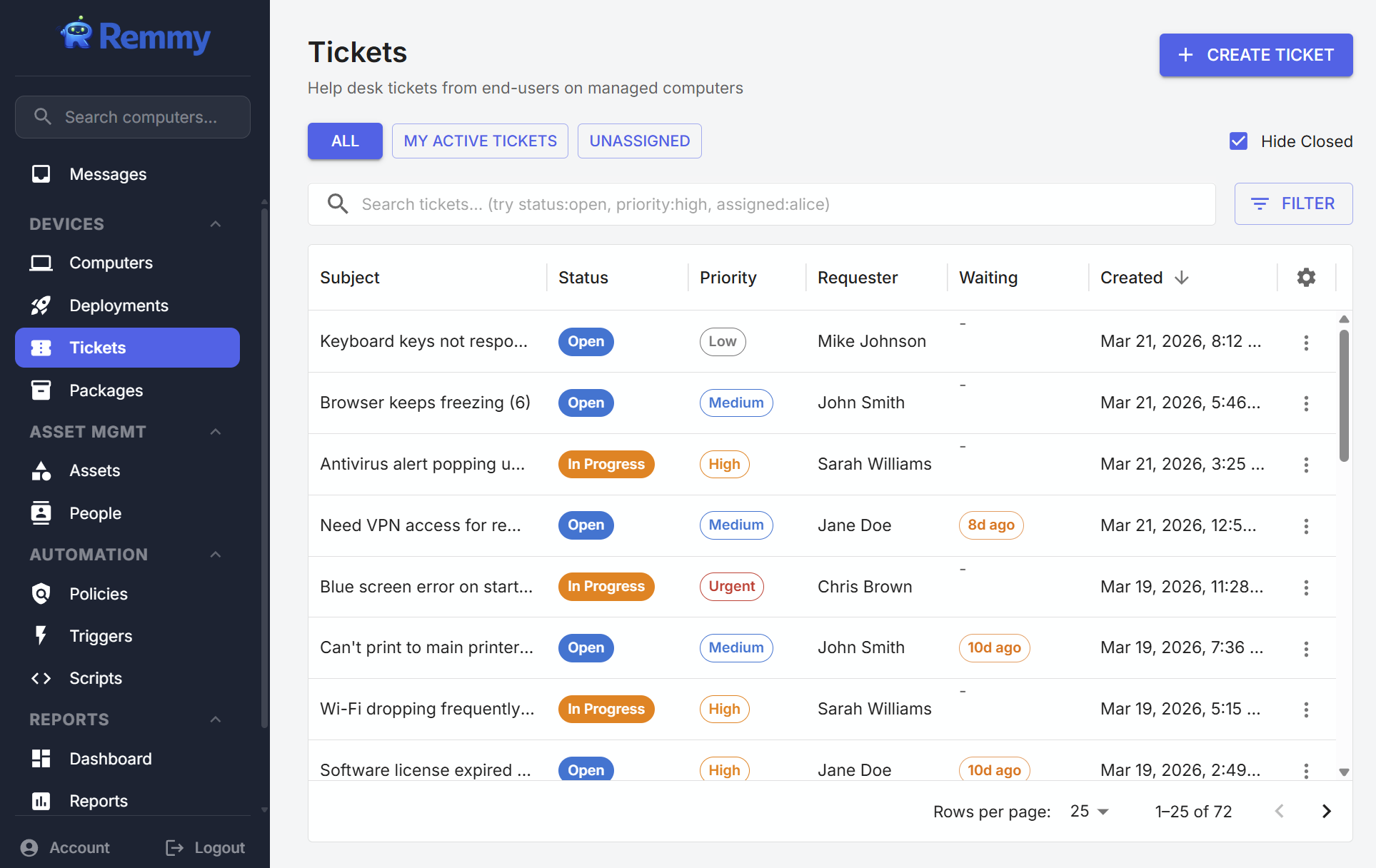
Tickets are displayed on the Tickets page. From this page users can search for tickets, filter tickets, or create new tickets. Quick filters are shown across the top, making it easy for sysadmins to filter tickets to only the ones that are assigned to them, or unassigned available to be worked.
Updating tickets
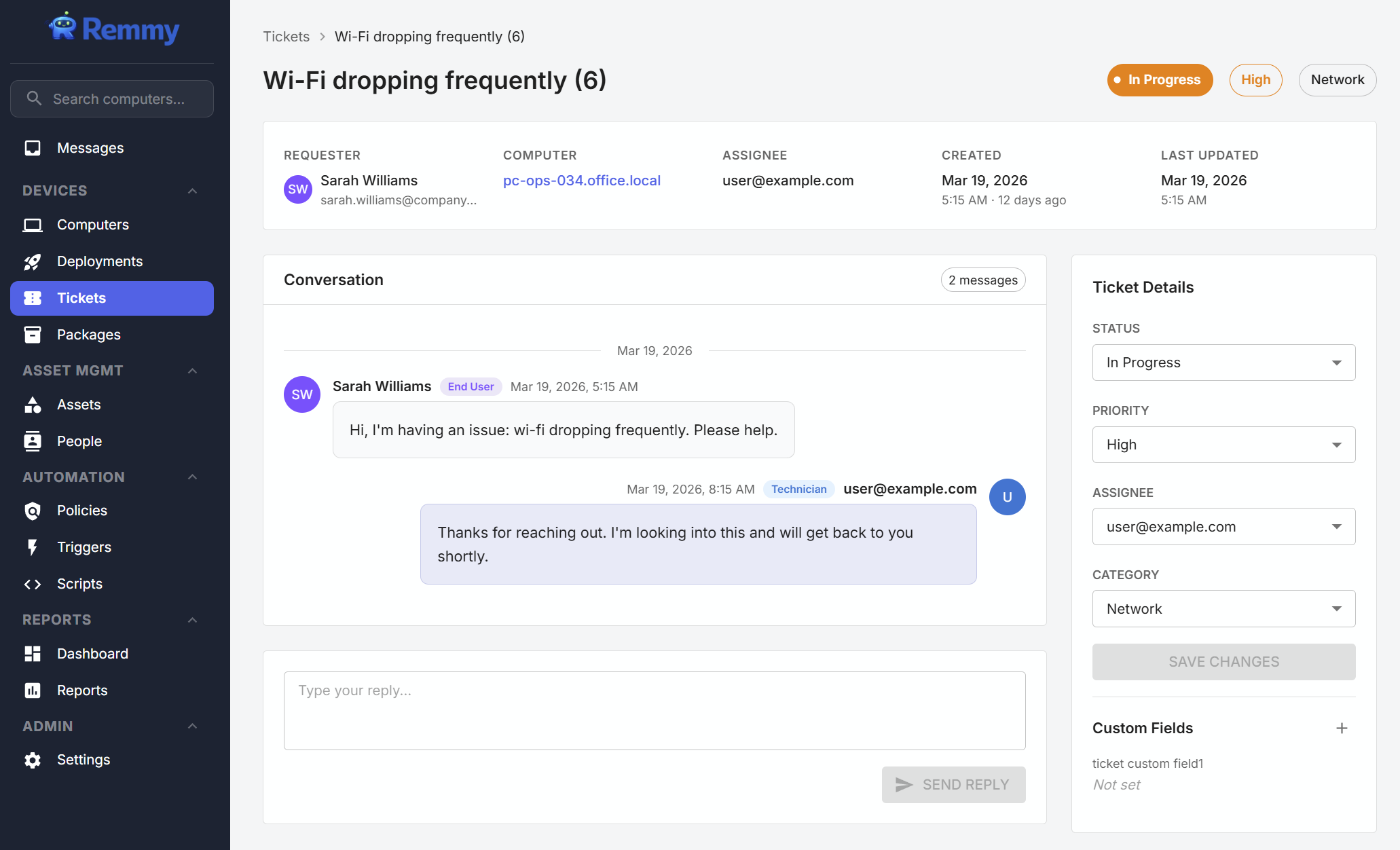
Users can update tickets by clicking the ticket subject on the ticket list page. On this page, users can initiate shell sessions, launch remote desktop, update ticket information, or send messages to the user who opened the ticket. To mark a ticket as closed, a user can change the status to Resolved or closed.