Help Desk Overview
Help Desk Overview
Updated March 24, 2026
Overview
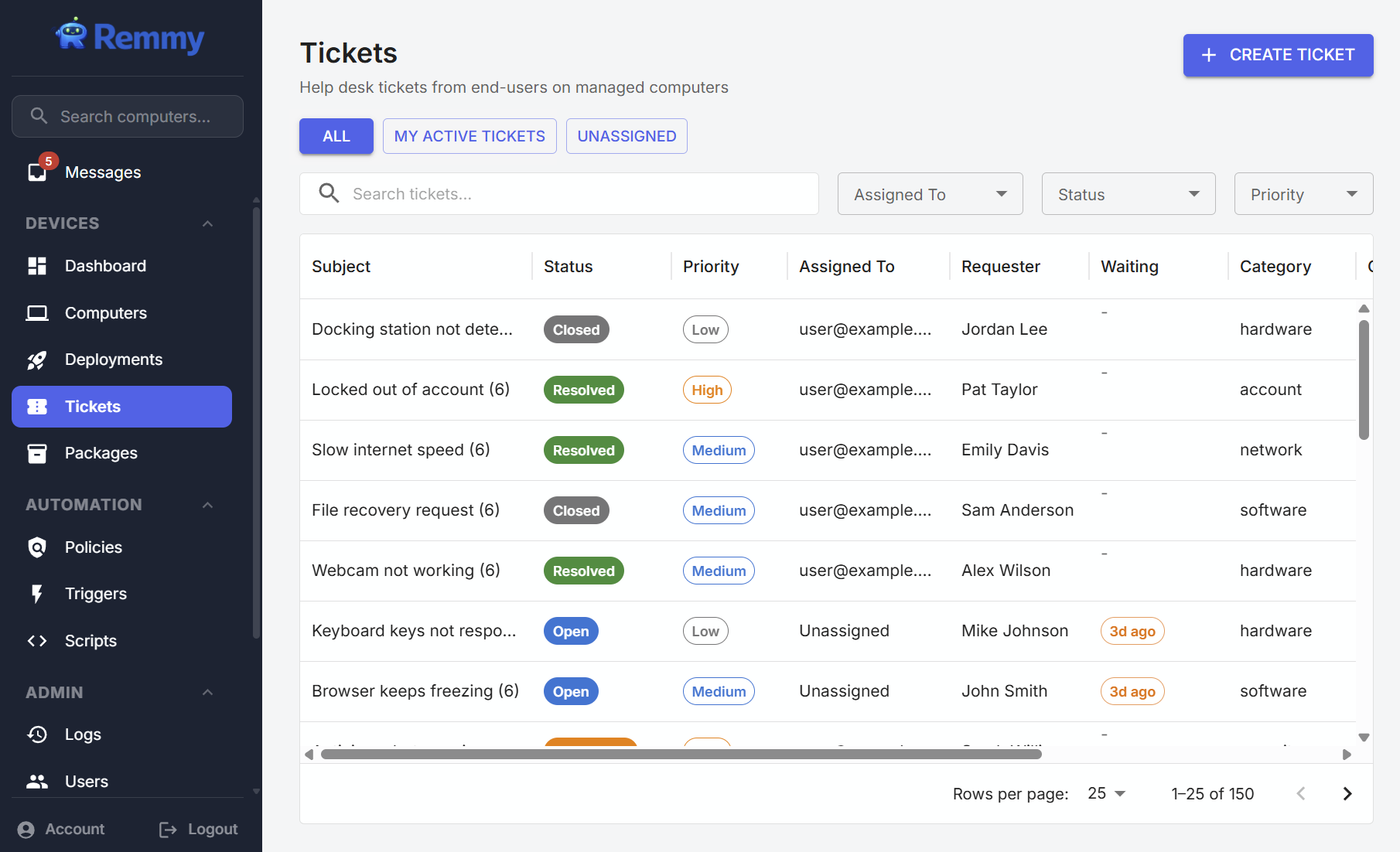
IT teams can centrally manage tickets created from end-users within Remmy. Individuals can create tickets themselves from the Remmy desktop agent, or sysadmins can manually create tickets on their behalf. Tickets are tracked and recorded.
Remmy Desktop Agent
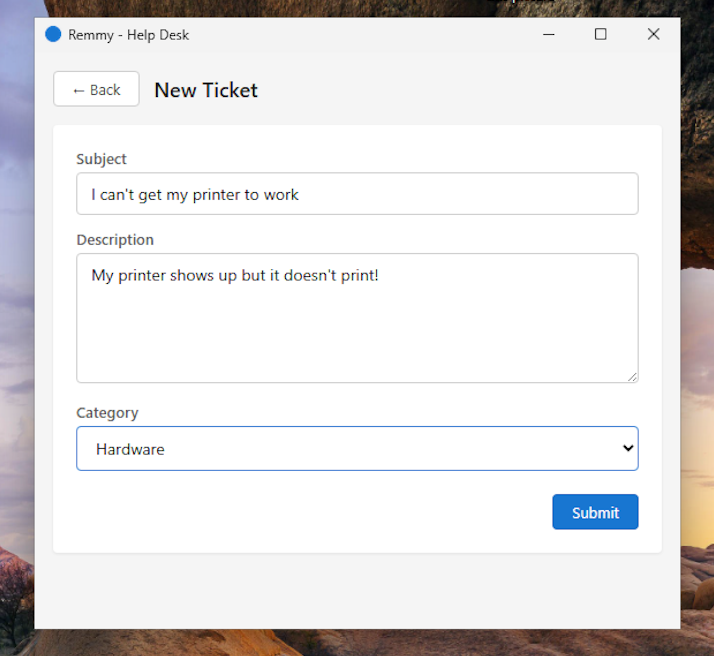
Users create tickets from the Remmy Desktop Agent by opening the agent from the system tray, and choosing tickets. From here they are able to create new tickets, update in process tickets, and review the statuses of previous tickets.
Remmy Ticket Console
Sysadmins can review tickets created by users through the Remmy Desktop Agent, or create tickets manually from within the Remmy ticket view. All tickets are accessible to sysadmins on the account, but users can claim tickets, update statuses, and more.