Remmy Server Backup
Remmy Server Backup
Updated March 20, 2026
Overview
All computer and usage data is stored in Remmy on the sysadmin provided server where Remmy is installed. This means that users are responsible for ensuring the data is regularly backed up. Remmy makes it easy to configure automated backups of the Remmy database.
Backup schedule
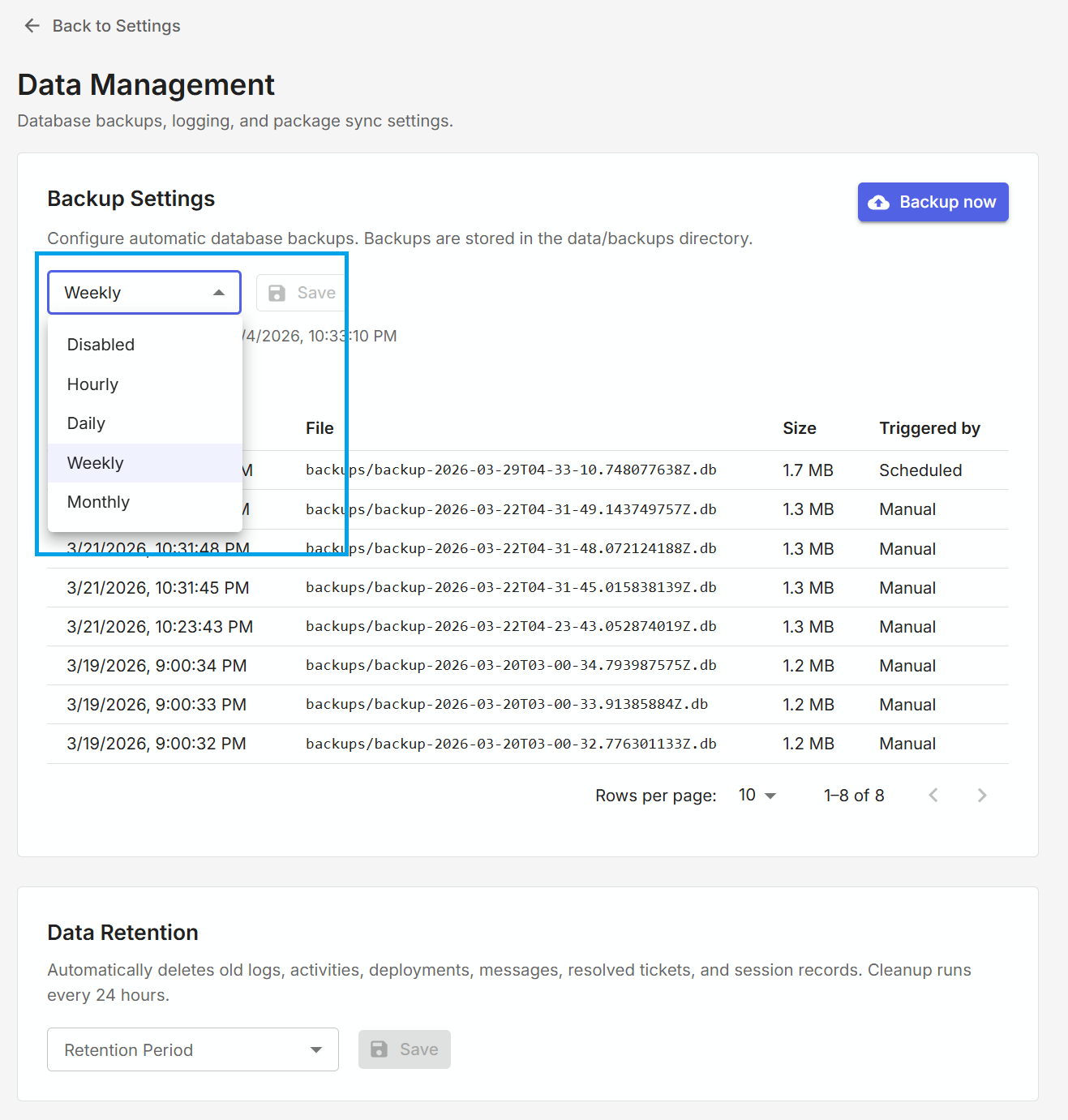
The backup schedule enables users to create automatic backups of the Remmy database, eliminating the need to remember to back up the server manually. There are five different backup options: Disabled, Hourly, Daily, Weekly, and Monthly.
Manual backup
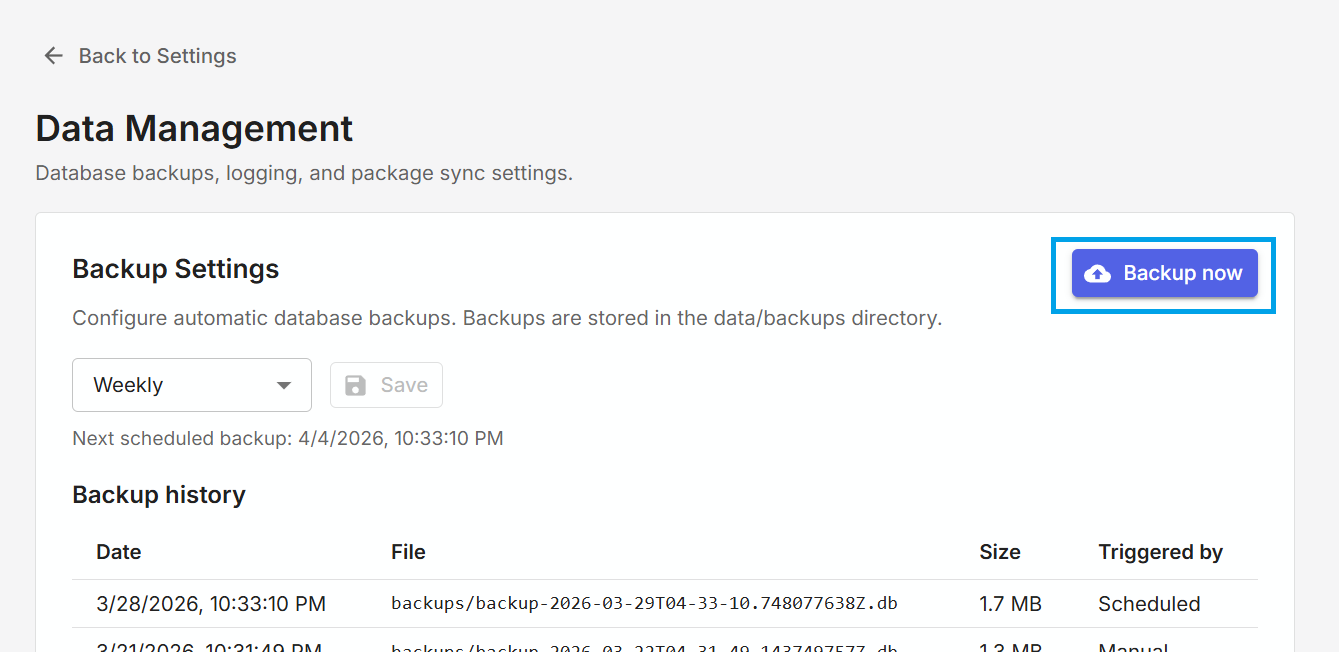
At any time a sysadmin can trigger an immediate backup of the database by clicking the Backup now button. It is recommended that users backup the server before doing any server maintenance.
Backup history
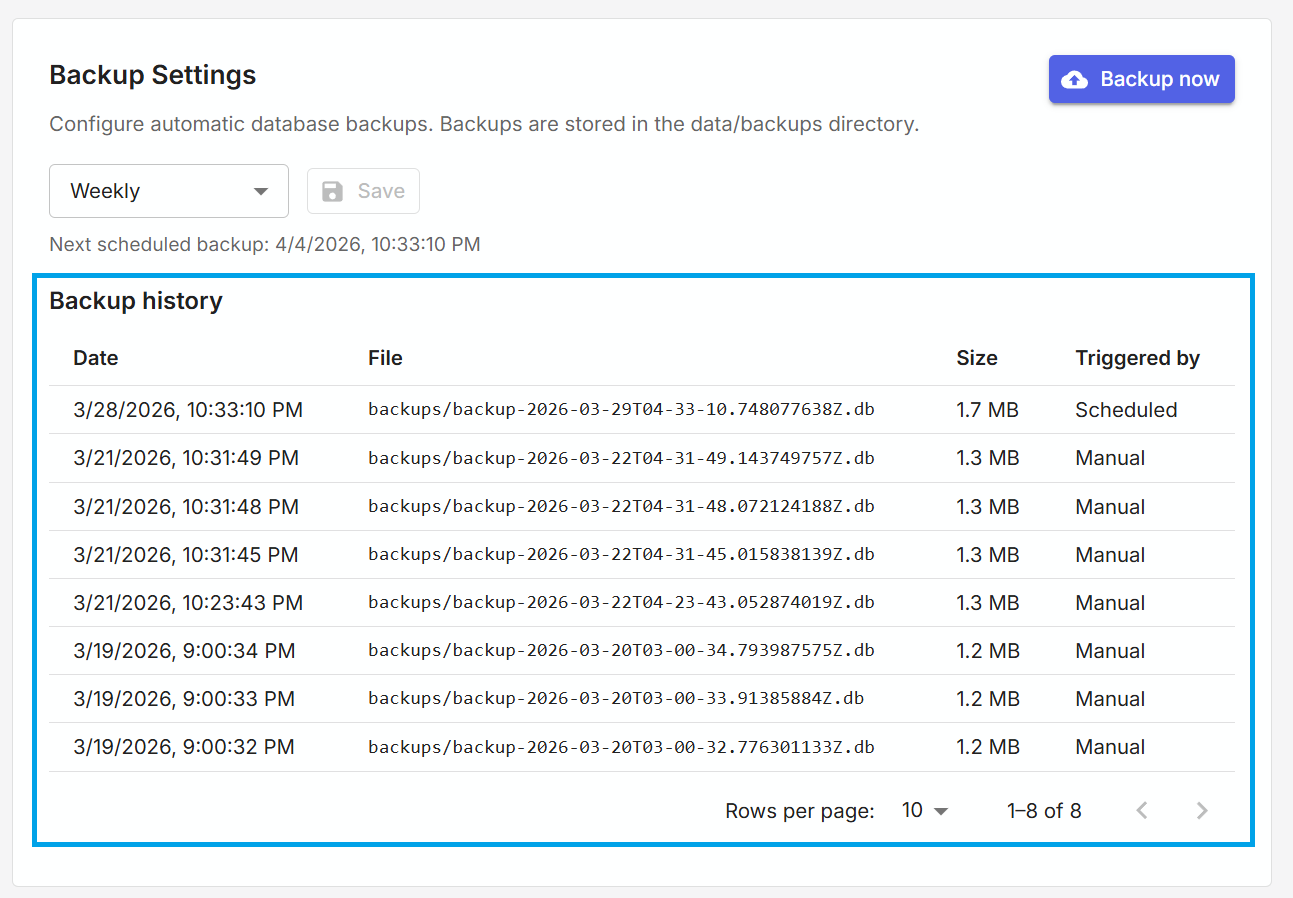
All backups that are automatically or manually triggered are shown in the backup history table. Remmy does not automatically delete old backups.