
Package Settings
Package Settings
Updated March 20, 2026
Overview
Remmy uses the Winget repository to make packages available to sysadmins to deploy. To ensure that Remmy has the latest versions of packages, it is important that the Winget repository is synced on a regular basis. Remmy has package sync frequency settings that enable sysadmins to decide how often the library should be synced.
Package sync frequency
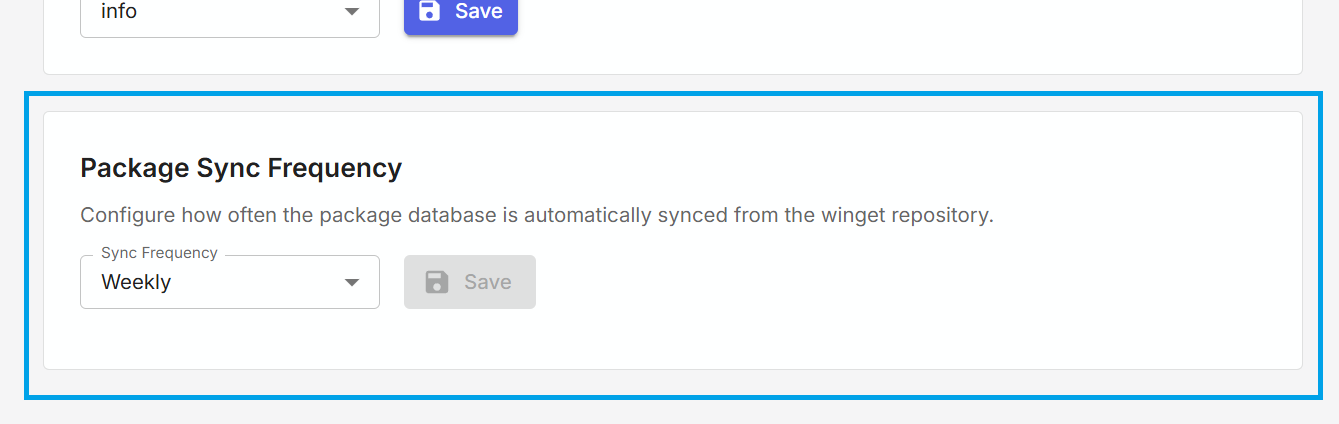
To set the package sync frequency, an administrative user clicks the Settings tab and clicks the "Data Management" card. Scrolling to the bottom, a card is shown called "Package Sync Frequency" where an administrative user can adjust the package sync frequency.
How syncing works
Remmy does not download actual packages from Winget, instead, Remmy syncs the Winget repository directory to the Remmy server. This way the Remmy server does not have to store thousands of packages, and instead directs target computers to download packages through Winget directly on the computer. Remmy does not distribute the standard packages, this is done through Winget directly to target computers.
When a sysadmin is first setting up Remmy, they are prompted to sync the Winget library for the first time. Remmy keeps track of what is synced and only pulls updates, ensuring that updates are small and not resource intensive.