Configuring Assets
Configuring Assets
Updated March 31, 2026
Overview
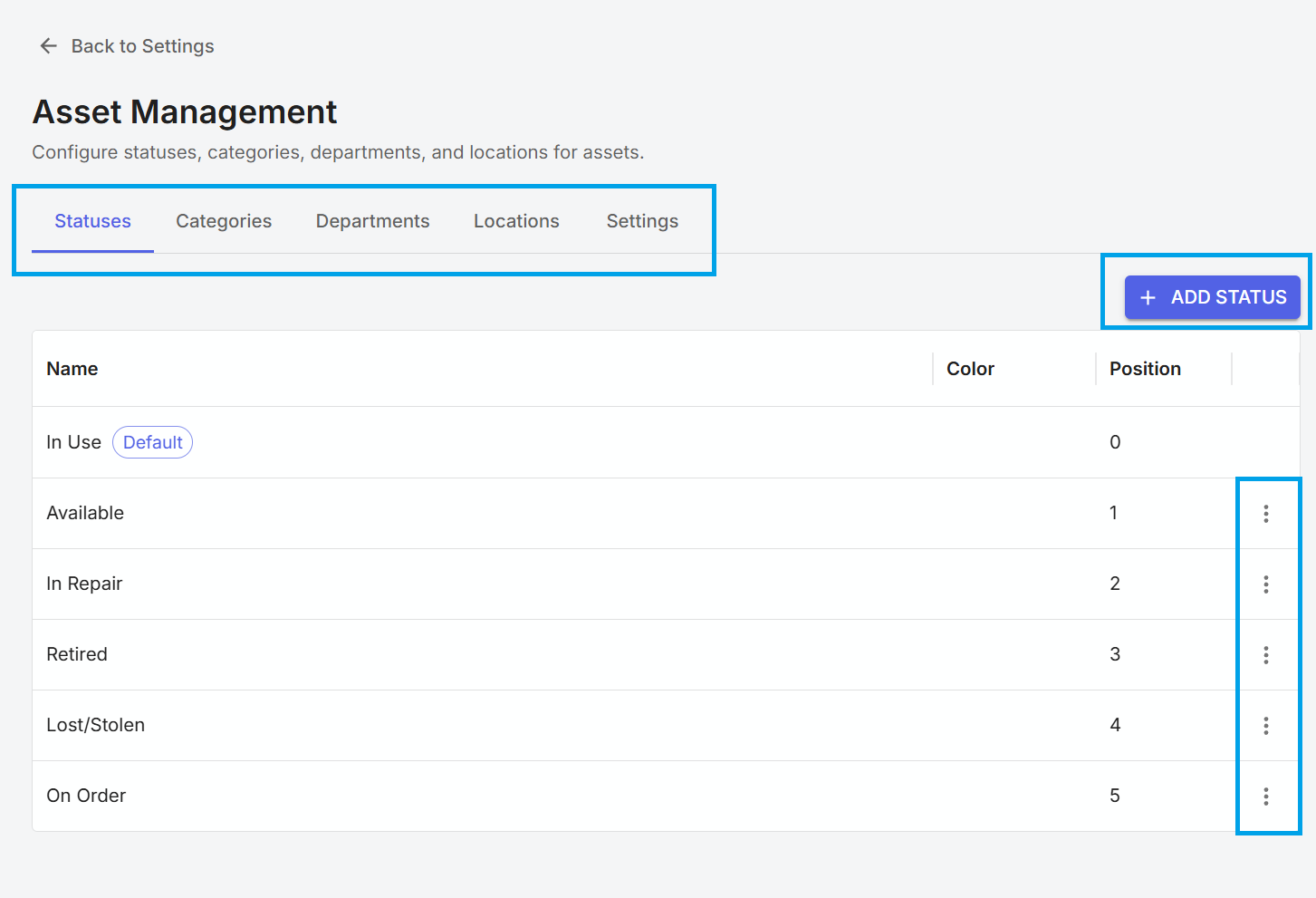
Numerous settings can be configured and customized in assets. This includes the ability to add departments, asset categories, locations, and asset statuses. Administrators can also configure how asset tags are structured.
Configuring asset values
An administrative user can configure the values available in drop-downs on assets from the asset settings page. This page can be found by going to Settings, selecting "Asset Management" and going to the various tabs to adjust the available drop-down options.
Asset tag settings
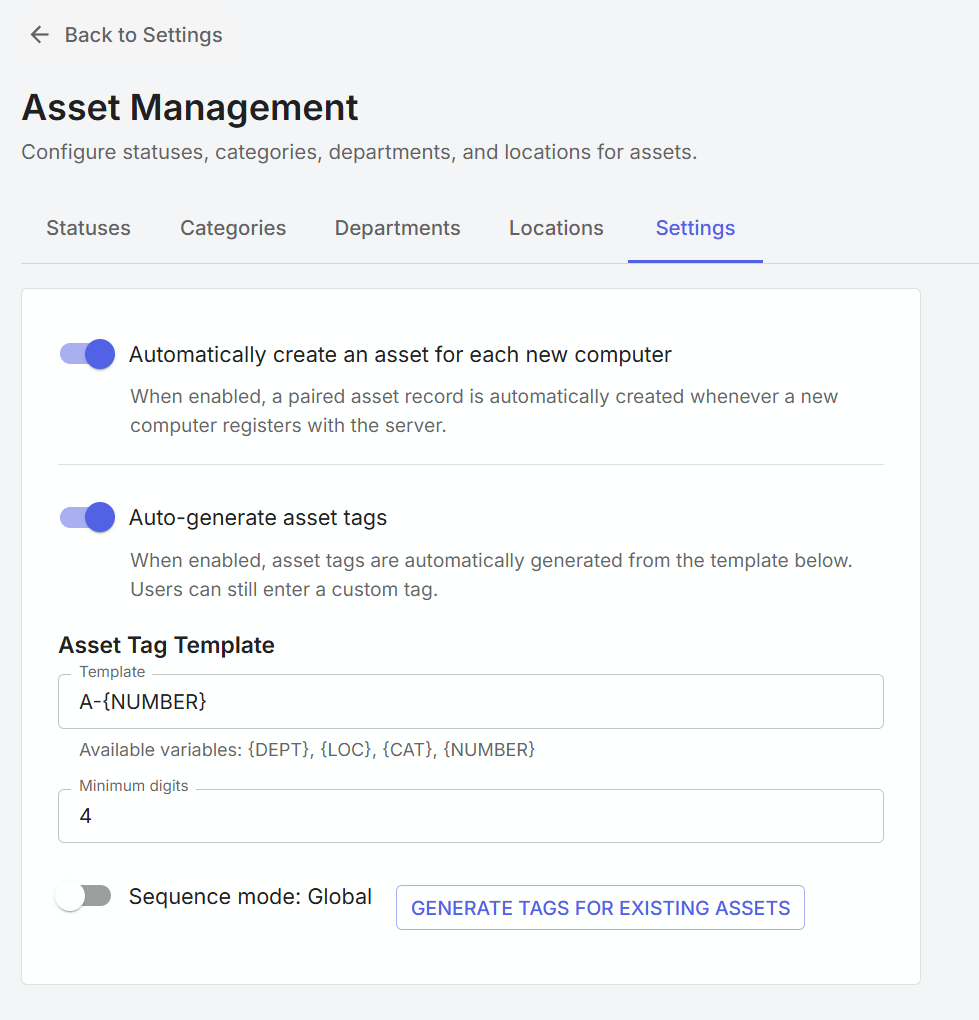
Administrative users can also configure how asset tags are created and assigned to devices.
| Setting | Description |
|---|---|
| Automatically create an asset for each new computer | When enabled, a paired asset record is automatically created whenever a new computer registers with the server. |
| Auto-generate asset tags | When enabled, asset tags are automatically generated from the template below. Users can still enter a custom tag. |
Asset tags can be dynamically created using department, location, category, and number. For example, entering "A-{DEPT}", will create a tag that contains the letter A, followed by a dash and the name of the department of the asset.