
System logs
System logs
Updated March 12, 2026
Overview
Every action a user performs in Remmy is recorded in the system logs. These logs record each action - deployments on devices, changes to custom fields, adding new users, altering policies, and more. Users can search the logs for specific actions or by actions by specific users.
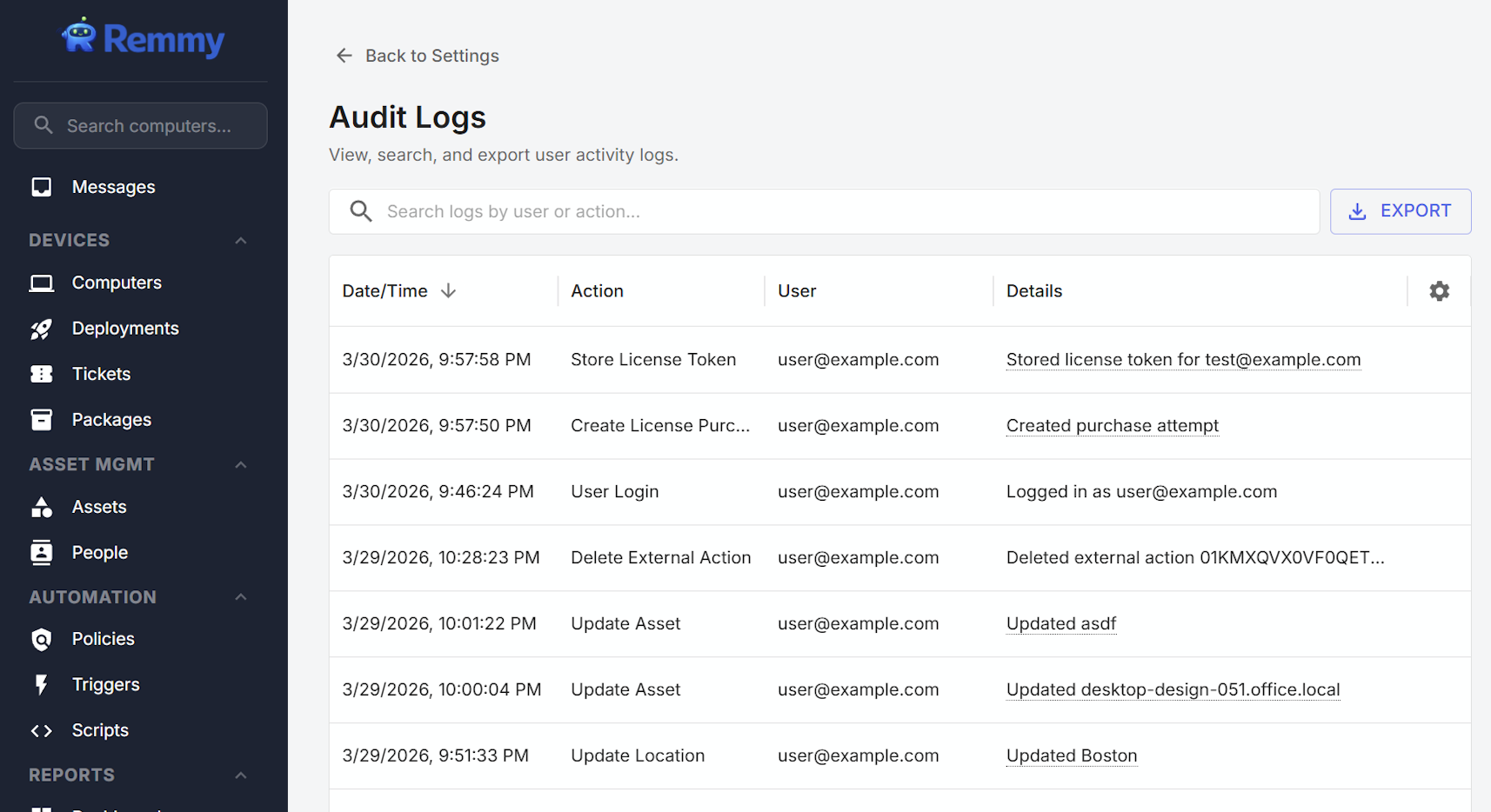
Accessing logs
Logs are accessed by clicking on Settings in the main sidebar navigation, then selecting "Audit Logs".
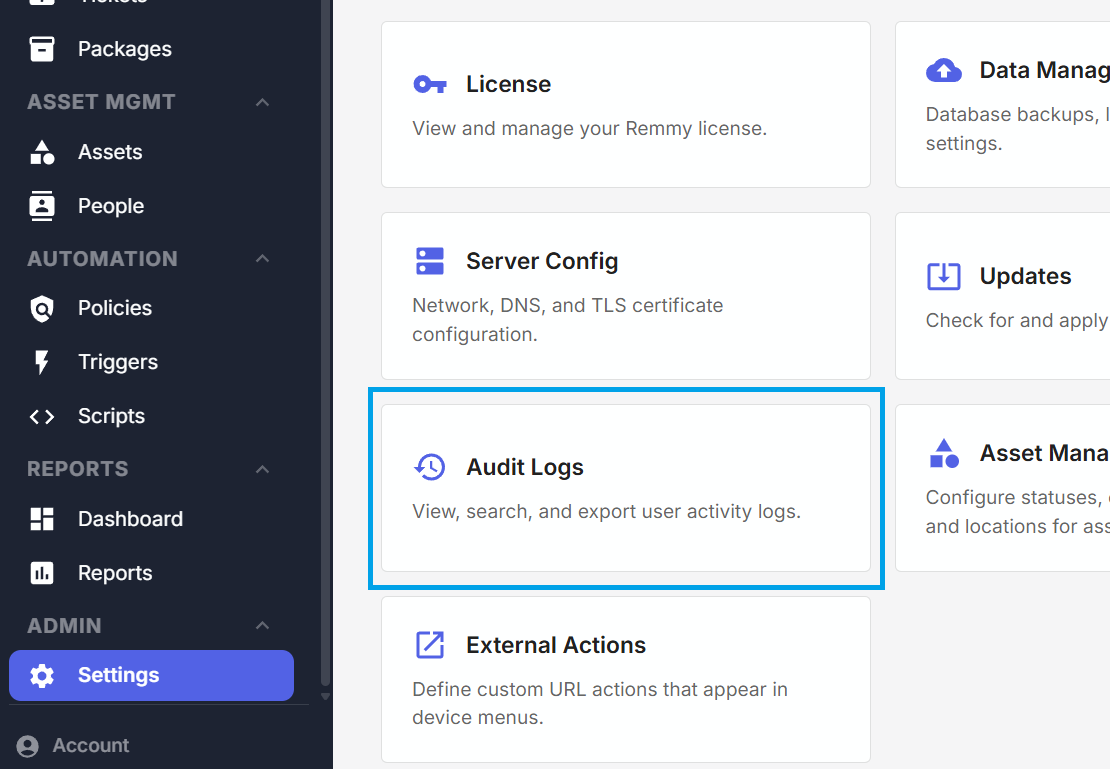
Log export
Logs can be exported by clicking the Export button in the top right corner of the Logs page. Log exports are capped at exporting only the last 365 days of logs to ensure export stability.
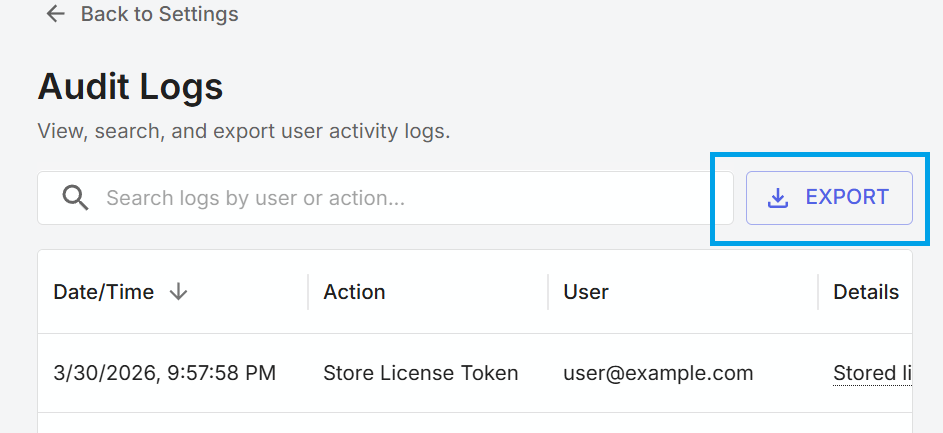
Log retention
Log retention can be configured in settings. By default, logs are retained for 12 months before being automatically deleted.